

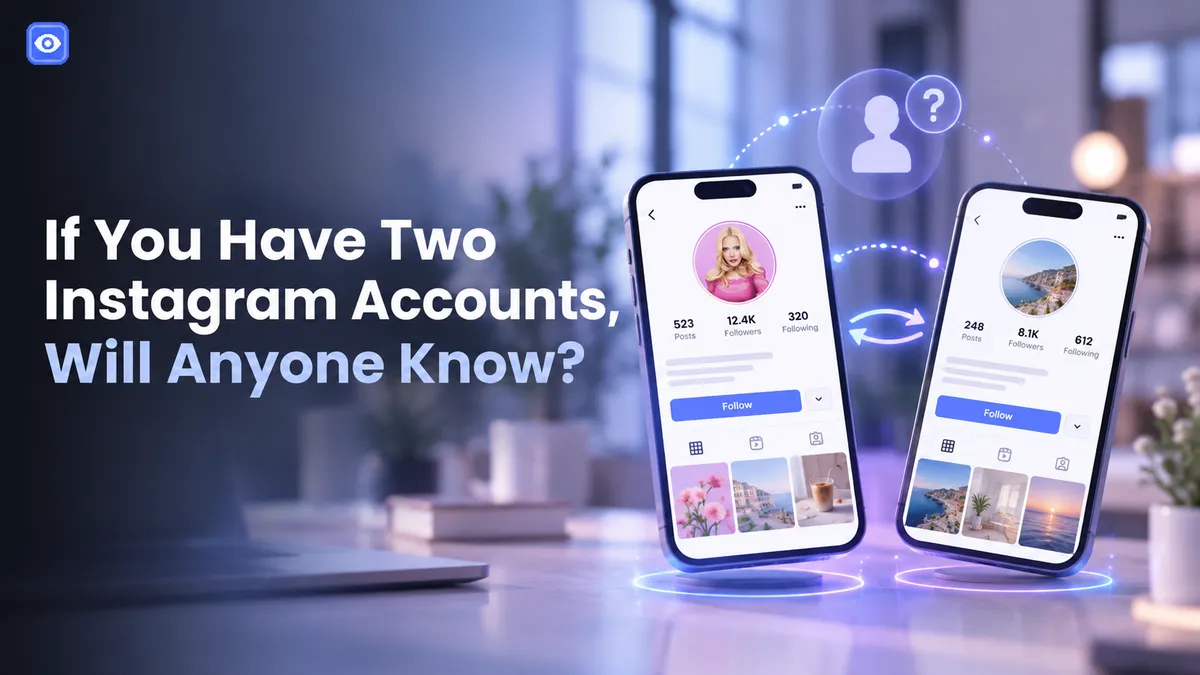
Keep a finsta for friends or a burner for lurking, and one worry nags: if I have two accounts on Instagram will they know the two are yours? Instagram won't announce it, but the algorithm plays its own game. If you'd rather check someone else's accounts without tipping them off, an anonymous Instagram profile viewer handles that.
If I Have Two Accounts on Instagram Will They Know?
Not from your profile. Instagram doesn't publicly list your accounts, and visitors see no menu of what you run. So if I have two instagram accounts are they linked? Internally, yes. It ties them through your device, IP, phone number, email, and login history. Publicly, no.
The catch is the algorithm. Share a device or email across accounts, or overlap your followers, and Instagram may suggest your second account to people who follow your first. Nobody's told; the link just surfaces. See how many accounts can I have on Instagram for the limits.
How to See if Someone Has Multiple Instagram Accounts
Flip it around. How to see if someone has multiple Instagram accounts comes down to a few moves, one better than the rest.
Start with Instagram's suggested accounts. The algorithm that exposes your own alt surfaces someone else's to their mutual followers, and in our testing that panel beat everything else. From there, search their name and username variations on Google with site:instagram.com, scan tagged photos and comments for cross-references, and check whether their bio links to another handle. Some trace an alt through a mutual follower's following list too.
So how to find someone's second Instagram account means stacking two or three of these. Still asking how to find out if someone has multiple Instagram accounts, or how to know if someone has multiple Instagram accounts for sure? That panel is where I'd start.
Does Instagram Show Linked Accounts? And How to Stay Hidden
Not to other users. And can people see linked Instagram accounts by visiting your profile? Also no. There's no public list to dig up, so suggested accounts stay the real exposure point.
To keep a second account separate, treat it as separate: a different phone number and email, no overlapping follows, another device or browser, no flipping between accounts in one session. It's not foolproof, but it starves the algorithm of the signals that connect you.
How to Find Someone's Other Instagram Account, and View It Anonymously
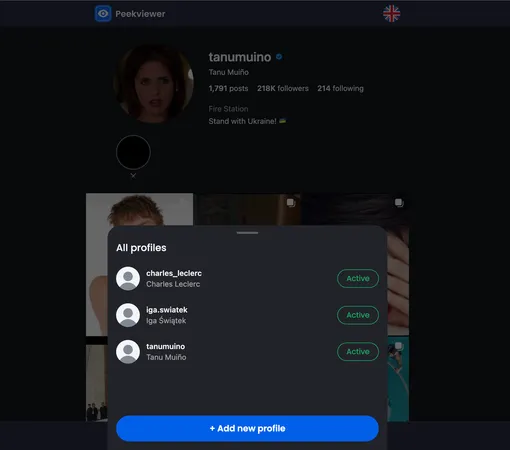
Found a username? The last step is looking without leaving a trail. That's the gap Peekviewer fills, and the cleanest answer to how to find someone's second Instagram account and actually see what's on it. You view any account you turn up with no trace: no login, no follow, no notification on their end. It works on public and private profiles, so a locked alt isn't a dead end. Pull up posts, stories, followers, and activity from one dashboard. If a profile's private, our guide on how to view a private Instagram account covers viewing it without a follow request.
So, Are Your Accounts Exposed?
Instagram never posts your linked accounts publicly, but its suggestion engine joins the dots, and that's what gives people away. Once you've found someone's second profile, Peekviewer lets you look without leaving a mark.
FAQ
Not by looking at your profile. Instagram keeps your accounts private, with no public list. Suggested accounts are the giveaway, surfacing your alt to people who already follow you.
It can. When accounts share signals like a device, phone number, or mutual connections, Instagram may recommend one to the other's followers. Keeping them separate cuts the odds.
Start with suggested accounts, then search their name and username variations on Google using site:instagram.com, and cross-check tagged photos, comments, and mutual followers' following lists.
Yes. Peekviewer loads any profile without logging you into Instagram, so there's no follow and no notification on their side. It works on public and private accounts.