



Instagram finally gave users a native way to reshare content — and most people still have no idea where to find it. If you're trying to figure out how to see reposts on Instagram, whether your own or someone else's, this guide has the complete picture. Where the tab lives, what it shows, and what happens when an account goes private — including how Peekviewer private Instagram viewer can help when the platform's own tools hit a wall.
What Does Repost Mean on Instagram
A repost is when someone shares a public post or Reel from another account directly to their own feed. According to Meta's official announcement, Instagram launched the feature on August 6, 2025 — and it works similarly to retweeting on X or resharing on TikTok. The original creator always gets credited. Their content appears in the reposter's followers' feeds and lives in a dedicated tab on the reposter's profile.
Before this update, resharing content meant sending it to your Story, where it disappeared in 24 hours. A repost is permanent — it stays on the profile until someone manually removes it.
What Can You Repost on Instagram
Public feed posts and public Reels are both available to reshare. That covers photos, carousels, and video content — as long as the account is set to public. Stories, close friends content, and anything from a private profile are off the table. Instagram simply doesn't display a repost icon on restricted content.
Can you repost on Instagram and add context to it? Yes. When you tap the repost icon, a small thought bubble appears. Type your note, tap save, and it floats over the content when others see it in their feed.
How to See Your Reposts on Instagram
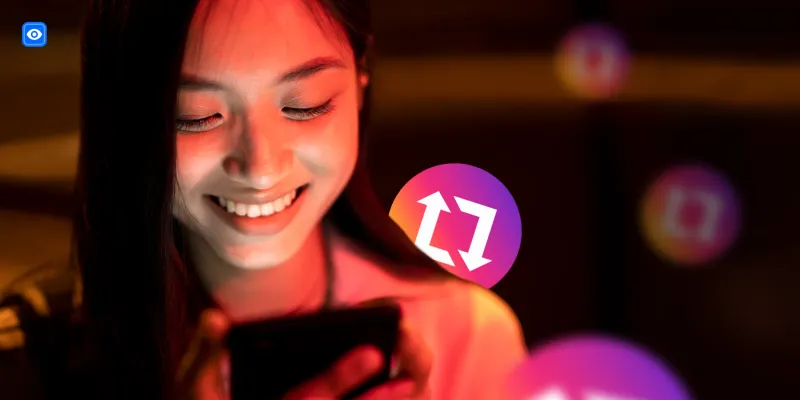
Open your profile. Next to the grid and Reels tabs, there's a tab with the repost icon — two arrows forming a square. Tap it, and every post you've reshared appears there. According to Instagram's Help Center, this tab is permanently accessible, so you can browse your full repost history at any time.
To remove something, go to the tab, hold down the thumbnail, and tap "Delete repost." The original post stays untouched — only your reshare is removed. That's how to see reposts on Instagram from your own account: one tap from your profile page.
See Any Instagram Profile Anonymously
Want to go further? Peekviewer lets you monitor any Instagram profile — stories, activity, followers — completely anonymously. No Instagram account needed.
Try Peekviewer
How to View Someone's Reposts on Instagram
How to view reposts on another account depends entirely on one thing: whether the profile is public or private. For public accounts, the process is straightforward. Open the profile, tap the repost tab, and it's all there — every piece of content they've reshared, when they shared it, and from which creators. Anyone can browse it.
For private accounts, the tab doesn't exist for non-followers. Instagram locks the entire profile — posts, Reels, and reposts included. If a follow request hasn't been accepted, there's nothing to see. It's also why so many people search for things like who my boyfriend is talking to on Instagram — when a profile is private, what someone is resharing and engaging with becomes invisible by default. How to see reposts on Instagram from a private profile through the app alone isn't possible. An Instagram account repost viewer tool is the only realistic path to that information.
Does Instagram Notify When You View a Repost?
Does Instagram notify when you view a repost? No. Browsing someone's repost tab triggers no notification. The account owner has no visibility into who opened it or how long they stayed. What about liking a repost? That notification goes to the original creator, not to the person who reshared it. Instagram treats the engagement as if it happened directly on the original post.
And when someone reposts your content, you get a notification. The person who previously shared it sees nothing at all. Reposts are credited — but they don't chain notifications back through every account that shared them.
Check Instagram Content Anonymously
Instagram's repost tab works well for public profiles. The moment an account goes private — or staying undetected matters — the platform's tools stop being useful. Data from Meta's 2025 antitrust trial showed that just 7% of Instagram interactions involve content from friends. Reposts were introduced partly to close that gap. But for monitoring real profile activity without leaving a trace, Instagram simply isn't built for it.
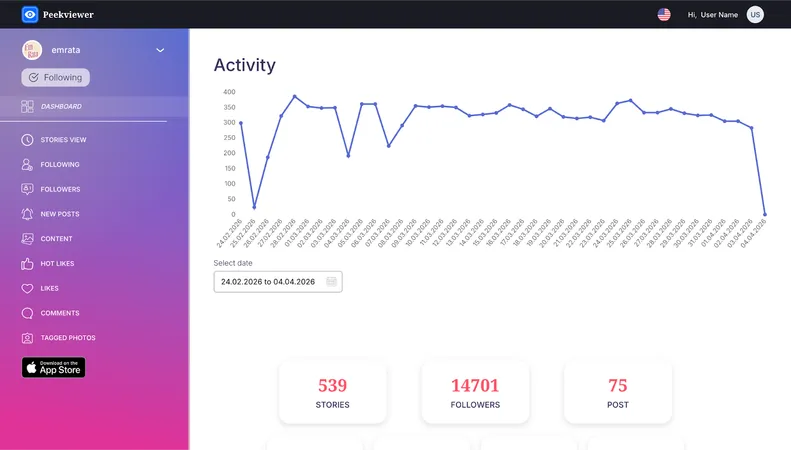
Peekviewer fills that gap. It's a web-based Instagram monitoring tool designed around one core principle: you should be able to see what you need to see — privately, safely, and without compromise. The profile owner never receives a notification, ever. We built Peekviewer with privacy working in both directions. Your activity stays invisible to the profiles you monitor — and we never ask for your Instagram credentials.
Features of Instagram Viewer
Here's what Peekviewer gives you:
- Anonymous story viewing — browse stories through our Instagram story viewer with zero footprint left on the account
- Follower and following tracking — see changes as they happen, not after the fact
- Hot Likes detection — catch new activity appearing on older posts, something Instagram itself never surfaces
- Tagged photo monitoring — track content other accounts are tagging the profile in
- Content downloading — save photos and videos in full original quality
- 3 months of stored data — everything is kept in your space and accessible whenever it's relevant
It runs entirely in a browser. If you want to see deleted Instagram posts or build a clear picture of any profile's history without anyone knowing — this is exactly what Peekviewer is built for.
Peekviewer Instagram Reposts Viewer
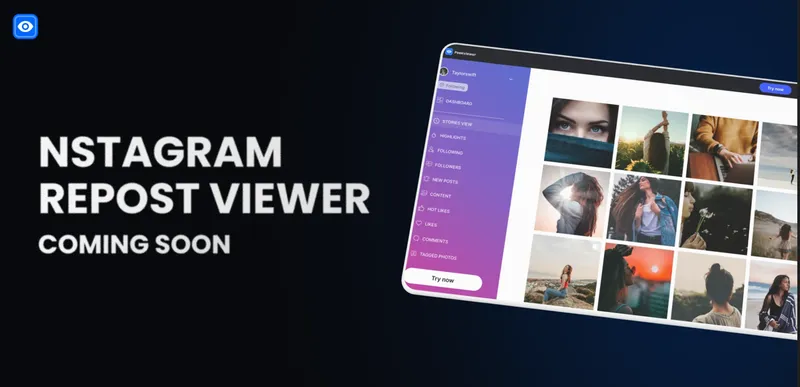
Repost tracking is next on the roadmap. The Instagram reposts viewer feature will show what content any monitored profile is amplifying — how often, from which accounts, and across what timeframe. It'll work exactly the same way as follower tracking and Hot Likes do now: automatically collected, clearly displayed, with full historical context.
If you're already monitoring a profile, your data is building right now. When repost tracking goes live, you'll have the complete picture from day one — not just from the moment the feature launches.
How to Use Peekviewer and Stay Anonymous
Every action inside Peekviewer is completely anonymous. We've designed it this way on purpose — because privacy isn't just a feature, it's the whole point. Here's how it works:
- Go to peekviewer.com — no download, no signup with Instagram
- Enter the Instagram username you want to monitor
- Choose a plan — public or private account, with flexible subscription lengths
- Start monitoring — your dashboard updates with activity data as it comes in
Public profiles load immediately. Private ones take a short wait due to Instagram's own policies, but access comes through without any credentials from you or from the monitored account. For anyone looking for an anonymous Instagram repost viewer or full profile visibility without getting detected — Peekviewer is the most direct and safest option available.
Conclusion
How to see reposts on Instagram comes down to where you're looking and whose profile it is. Your own reposts live in a dedicated tab. Public accounts show theirs the same way. Private accounts don't — and Instagram gives you no workaround for that. For anonymous monitoring, long-term activity tracking, and access to content that standard browsing can't reach, Peekviewer fills that gap cleanly.
FAQ
When someone reposts your content, you get a notification. You can also see the repost count directly on your post alongside likes and comments. What Instagram doesn't provide is a full historical list of every Instagram account repost viewer that has reshared something over time — just the count and the initial alert.
Most use an anonymous Instagram repost viewer to understand what someone is sharing without that person knowing. It's also practical for tracking which creators a profile engages with, monitoring content strategy, or staying informed about activity that would otherwise be invisible.
Not when using the native repost button. Instagram built the feature specifically for resharing public content — it's fair game by design, and the original creator is credited and notified automatically. Where it gets complicated is manual reposting — downloading someone's content and re-uploading it as your own, especially for commercial use. That's a different conversation.
No. Instagram's native repost feature only works on public posts and reels. Private accounts are completely locked to non-followers — the repost button doesn't appear, and the tab isn't visible. To monitor what a private account is sharing, how to view reposts becomes a different question entirely — and that's exactly where an Instagram account repost viewer like Peekviewer offers a different kind of access, anonymously and without a follow request.