

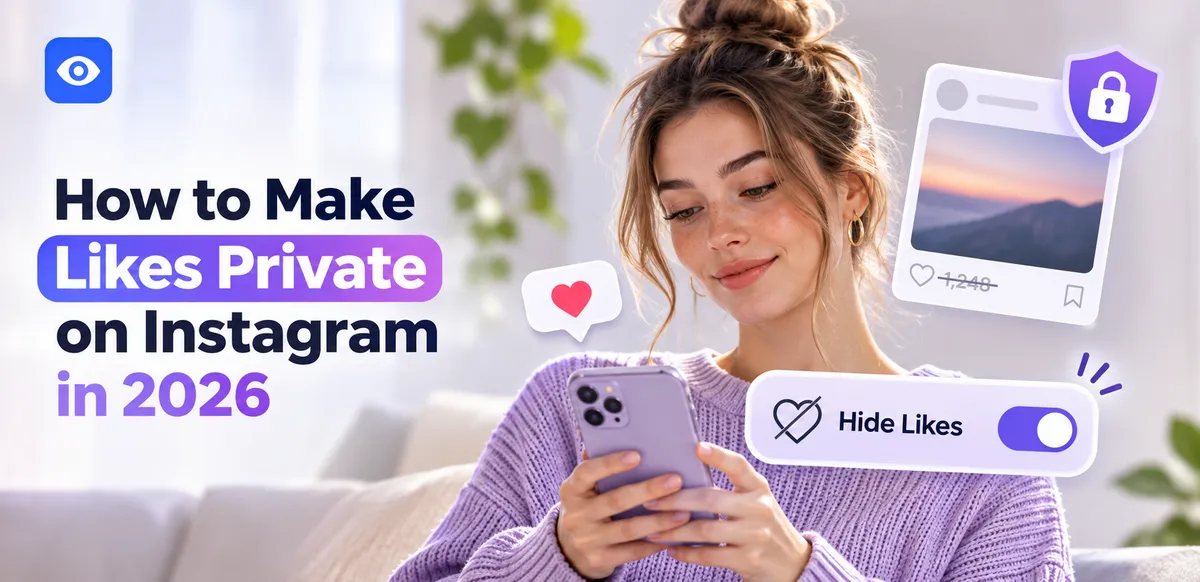
Two different things get called private likes on Instagram. One is the like count on your posts. The other is the list of posts you've liked. Knowing how to make likes private on Instagram means handling both, because Instagram treats them differently. This guide covers each, plus the gap no setting closes. An IG profile viewer covers that last part.
Are Likes Private on Instagram by Default?
Before changing settings, know the starting point. Are they private already? Partly. The like count on each of your posts is public by default, visible to anyone who lands on the post. Your liked-posts list, though, is private from the start; no one can pull up a feed of everything you've liked. That split is the whole reason people ask is there a way to make Instagram likes private and get conflicting answers. Sorting out private likes on Instagram begins with which of the two you actually mean.
Can You Make Your Likes Private on Instagram? Hide Your Like Count
So can you make your likes private on Instagram? For the count, yes, and it takes seconds. To hide it on a single post, open the post, tap the three-dot menu, and choose Hide like count. For everything going forward: Settings and privacy, then Posts, then Hide like count on posts, then toggle on. That covers how to make number of likes private on Instagram in one switch. One limit: it only affects your own posts, not the like counts on anyone else's. Handling the count is the easy half; the likes you leave on other people's posts are the tricky part.
How to Make Instagram Likes Private: Your Liked Posts List
The second kind of privacy is which posts you've liked. Good news: Instagram doesn't show anyone your liked-posts list. It sits under Settings, then Account, then Posts you've liked, visible only to you. So that half of private likes on Instagram is handled for you by default. The catch is real-time visibility. Someone watching a shared account closely can catch your like the moment you tap it, especially if they follow the same account. No setting closes that window, so liked-post privacy is never fully airtight.
How to Make Your Likes Private on Instagram: Step by Step Summary
Both flows for how to make your likes private on Instagram, side by side.
Flow 1, hide the like count on future posts: Settings and privacy → Posts → Hide like count → toggle on.
Flow 2, hide it on a post you already shared: open the post → three-dot menu → Hide like count.
That covers how to make likes private on Instagram as far as the count goes. Hiding the count doesn't stop someone from seeing that you liked their post; it only hides the number.
Instagram Likes Viewer: Can Someone Still See Your Likes?
Even with the count hidden, your likes aren't sealed off. Anyone can open your post and scroll its likes list, and your username shows up in the like notification the owner gets. People search for an Instagram likes viewer private account workaround to pull likes settings won't surface. On a private account, Instagram private account likes visibility is more contained, since your likes on private posts stay in that circle. But a like on any public post shows your name to anyone viewing that post's likes. Our guide on see hidden likes on instagram breaks down what's exposed.
How to Keep Your Instagram Activity Truly Private
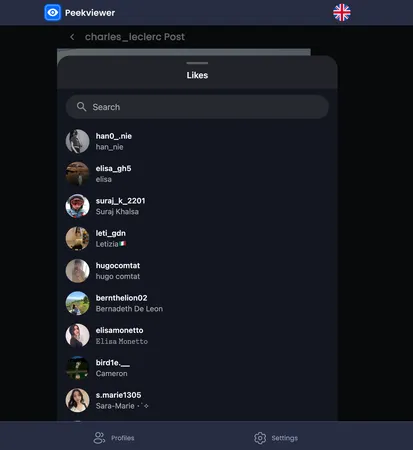
Instagram's settings run out at your own browsing. Every like, view, and follow you make while logged in leaves a trace, and Peekviewer closes that gap. It lets you view posts, stories, likes, and profile activity anonymously, with no Instagram login on your side. Nothing you look at fires a like notification, gets logged, or puts your name in a likes list. To study likes and engagement without touching the app, our Instagram post likes viewer does exactly that.
The Real Limit of Private Likes
Instagram gives you control over your like count but not your full like activity. Turn the count off, rely on your already-hidden liked-posts list, and remember anything you like on a public post can still be seen. And to browse Instagram with no activity trail of your own, Peekviewer leaves nothing behind.
FAQ
No. Instagram doesn't show anyone your list of liked posts; that list under Settings is visible only to you. The exception is real time: someone following the same account might notice your like appear as it happens.
Go to Settings and privacy, then Posts, then Hide like count on posts, and toggle it on. For a post you've already shared, open it, tap the three-dot menu, and choose Hide like count. This hides the number from everyone but you.
Not entirely. A private account limits who sees your posts and profile, but your likes on other people's public posts stay visible in those likes lists.
On your own private posts, only approved followers see anything, likes included. But any like you leave on a public post is visible to anyone who opens that post and checks its likes.
Third-party viewers can surface likes that Instagram's layout buries, but a genuinely private account's internal likes stay limited to approved followers. Likes on public posts remain visible regardless.