


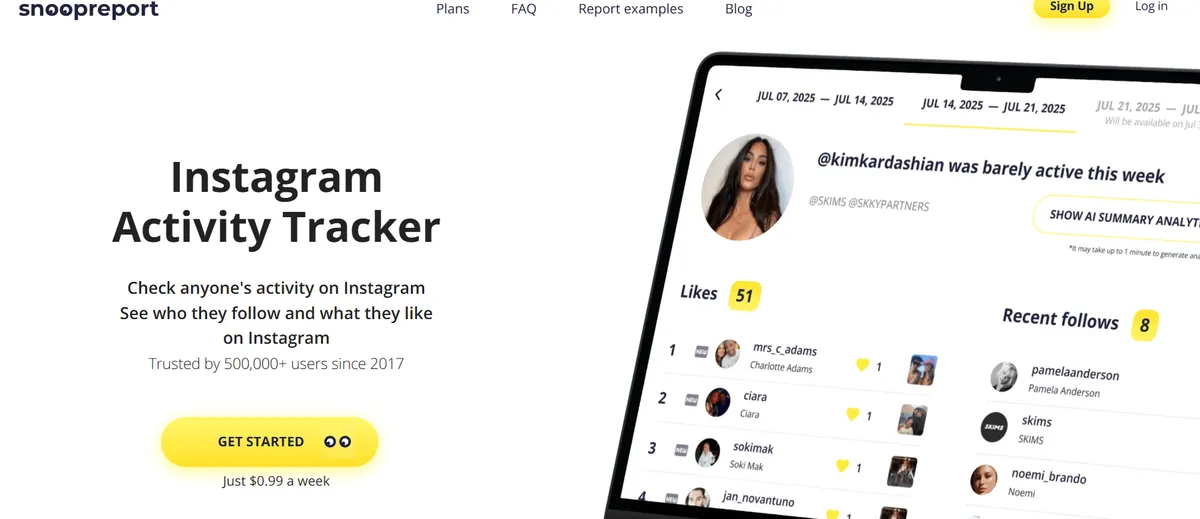
Have you ever wondered how to see someone’s likes on Instagram or find out who they recently followed? Since Instagram removed its activity tab in 2019, tracking someone’s engagement has become difficult — until tools like Snoopreport Instagram appeared.
Snoopreport App is an Instagram activity tracker that lets you see what public accounts like, follow, or unfollow. It’s designed for both personal and professional use — whether you want to analyze influencers, understand a partner’s interests, or monitor your child’s social media activity.
This detailed review explores what Snoopreport is, how it works, what you get for your money, and the best Snoopreport alternative, Peekviewer, a private Instagram account viewer, for users seeking a faster option.
What Is Snoopreport Instagram ?
This tracker is an online tool that helps you keep track of what people do on Instagram. It collects public information and turns it into easy-to-read weekly or monthly reports. These reports show what someone likes, who they follow or unfollow, and even include short AI summaries about their interests and habits.
Unlike many other tracking tools, you don’t need to log into Instagram or install any app. Just type in a public Instagram username, but you need to create an account with your email, and after a few days, Snoopreport will send you an automatic report with details like likes, follows, and activity — though some users still ask, does Snoopreport tell the person.
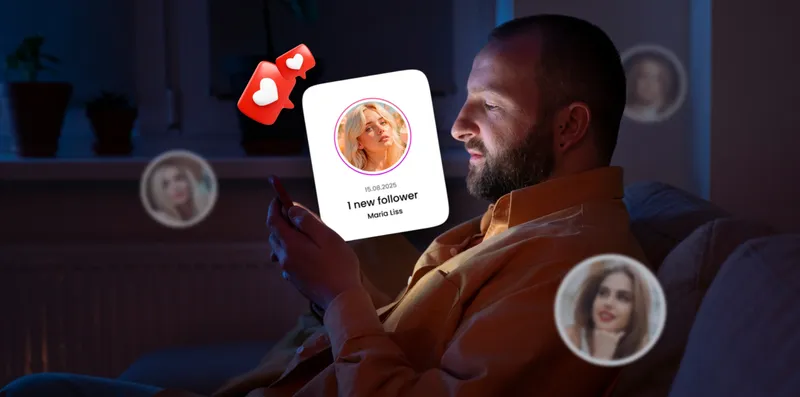
Snoopreport App Pros and Cons
Before you decide to use this tracker, it’s good to know what’s great about it and what’s not so great. Every tool has strong points and some limits. Here’s a simple list of the main advantages and disadvantages of Snoopreport tool.
- Tracks public Instagram activity: likes, follows, and unfollows
- Reports generated weekly or monthly
- Simple interface; no app installation needed
- Doesn’t monitor Snoopreport private account
- You need to create an account to start tracking
- Reports refresh weekly, not in real time
- Free plan limited to students and researchers
- Some users prefer instant updates
Key Features of Snoopreport Instagram Activity Tracker
This is more than a basic Instagram tracker. It offers several features to understand someone’s activity, interests, and habits in detail.
See Someone’s Likes on Instagram
Snoopreport shows what a public Instagram user likes, including posts, reels, and tagged media. For example, they might like travel posts tagged #TreapInVenesia, #ItalyTravel, or #ParisNights. They could also engage with fashion content, such as #MilanFashionWeek, #VogueItalia, or designer posts like #GiorgioArmani. Cinema and entertainment interests are visible too — for example, liking posts about #IndianCinema, #Venezia82, or indie films like #TestaOCroce. By analyzing these likes, you can see their favorite hobbies, style preferences, and entertainment choices.
Track Recent Follows
The Snoopreport tool shows which accounts a person has recently followed. For example, they might follow a travel photographer like @natgeo, a fashion influencer such as @haileybieber, or a film festival account like @romacinemafest. Keeping track of recent follows gives insight into current interests, trends, or new content sources they want to explore.
Track Recent Unfollows
This tracker also shows who someone has unfollowed, which can indicate shifts in interests or social connections. For example, they might unfollow a sports brand like @nike, a movie actor’s profile, or a food blogger they used to follow. Noticing these patterns helps you understand changes in focus or priorities over time.
Monitor Activity Levels
Snoopreport Instagram Activity Tracker identifies when someone is most active on Instagram. For example, they may like posts in the evenings, follow accounts on weekends, or interact with reels during lunch breaks. Understanding their activity patterns can help marketers or social media managers post content at times when engagement is more likely, or simply give insight into their daily habits.
Liked Media Tags Cloud
The “liked media tags cloud” shows the hashtags a person interacts with most. For example, they could engage with #Cinemagram, #TestaOCroce, #ParisFashionWeek, #Venezia82, #IndianMovies, #TravelGram, or #LuxuryLifestyle. This provides a quick overview of what topics or content types they are most interested in, from travel and movies to fashion and art.
Activity Insights
Snoopreport personal also summarizes broader trends and habits. For example, someone may consistently engage with Italian cinema content, attend virtual or real-world fashion events, like posts about travel in Venice, and follow influencers from India, Paris, or Milan. This allows you to understand their cultural, aesthetic, and lifestyle preferences. You could even use this insight to start conversations, plan marketing campaigns, or recommend relevant content.
How Snoopreport Works
Snoopreport website is designed to make tracking Instagram activity simple. Here’s a quick look at how it works in just a few steps.
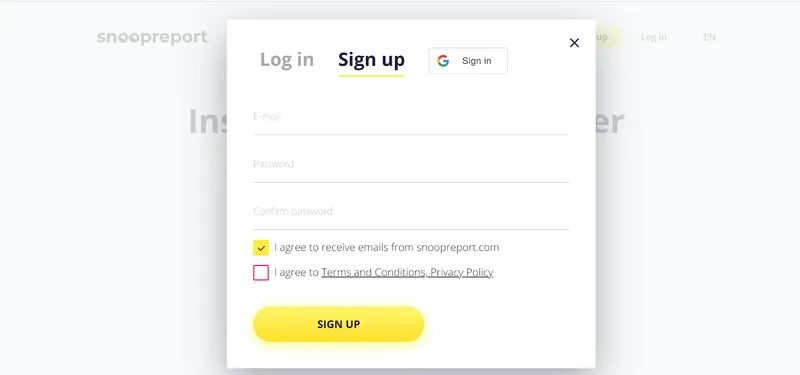
Step 1 – Choose the Account
After you create an account on Snoopreport, type in the public Instagram username of the person you want to watch. You can add one or several profiles depending on your plan.Users who are students or researchers studying data can access Snoopreport for free, but this is limited to academic purposes.
Step 2 – Collecting the Data
Snoopreport then starts gathering all the public information from that account — such as their likes, hashtags they interact with, and the people they follow or unfollow.
Step 3 – Get Your Report
After a short time, you’ll get your weekly or monthly report inside your personal dashboard. The report includes easy-to-read charts and short summaries that explain the person’s activity.
Does Snoopreport Work on Private Accounts?
No, Snoopreport Instagram tracker only works with public Instagram accounts. It cannot access private profiles, posts, or activity. If your goal is to track a private account, you’ll need to use a different tool that supports private profile tracking.
Is Snoopreport Free?
There is no standard Snoopreport free plan for general users, but the platform offers free datasets for students and researchers studying data science or social analytics. If you are a student or researcher interested in a free dataset, you need to contact support. Their team will review your request and provide instructions or access based on your study or project
Pricing and Plans
This tracker offers Snoopreport free datasets for students while keeping pricing transparent for other plans.
| Plan | Cost | Features |
| Basic | $0.99/week | Track 1 profile, weekly report |
| Personal | $4.99/month | Track up to 10 profiles |
| Professional | $14.99/month | Track up to 50 profiles, API access |
| Research/Custom | Contact support | Bulk data for studies and agencies |
Snoopreport Reviews
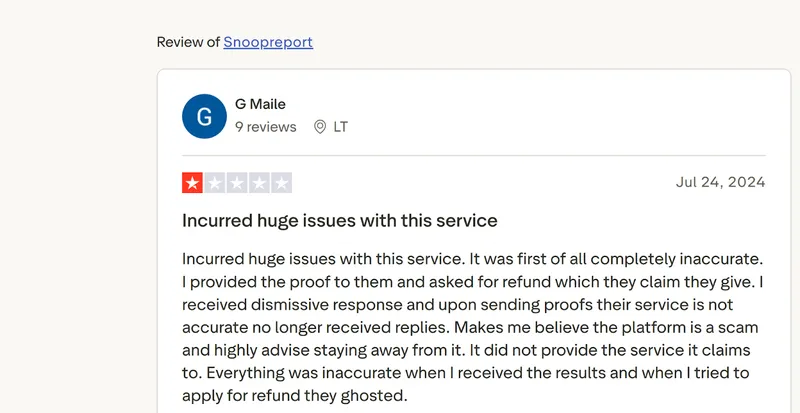
Most Snoopreport reviews Trustpilot are extremely negative. Users describe the service as inaccurate, unreliable, and even a scam. One user reported that the platform failed to deliver the service it promised. After providing proof and requesting a refund, they received dismissive responses and were eventually ignored. According to this review, everything in the results was wrong, and attempts to get a refund were completely ignored, making the service appear untrustworthy.

On Snoopreport Reddit, the complaints are similar. Many users say that you pay for the service, but it often provides no useful data. Conversations about Snoopreport free alternative Reddit show that people are actively looking for other options because the paid service failed to work as advertised.
Best Snoopreport Alternative — Peekviewer
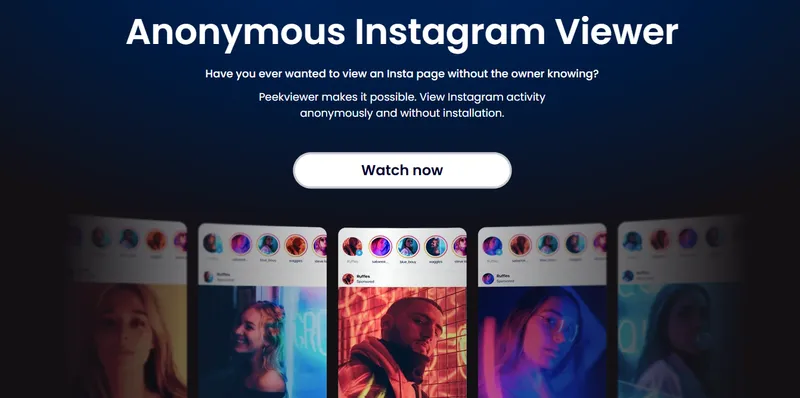
If you’ve had problems with Snoopreport, Peekviewer is a safe and easy alternative.You don’t need to log in, don’t need to create an account, or download anything, and it lets you safely access both public and private accounts to see activity on Instagram. Unlike Snoopreport, it delivers the service you pay for and always responds to customer support questions.
Peekviewer Features
- Profile analyzer – View public and private profiles to see posts, activity patterns, and overall interests. This helps you understand what someone likes or engages with most.
- Likes viewer – See the posts, reels, or other media a person has liked on Instagram. This gives insight into their hobbies, favorite topics, or trends they follow.
- Follower viewer – Check basic follower information and see which accounts a person follows.
- Comment viewer – See the comments a person leaves on posts, helping you understand their interactions and opinions.
Peekviewer also offers anonymous access, allowing you to view private stories or profiles without being detected, keeping your activity completely invisible. You can save posts and stories for up to three months, making it easy to revisit content later.
With higher plans, you can monitor multiple accounts, which is useful for businesses, parents, or social media research, and even see who my boyfriend interacts with on Instagram safely and anonymously.
How to Use Peekviewer
- Open the Instagram viewer online.
- Choose if the account is public or private.
- Enter the username or profile link.
- Enter your email and pick a plan.
- Start viewing profiles, posts, and stories safely and anonymously using an Instagram story viewer.
Snoopreport Free Alternative
There are some Snoopreport Free Alternative, but they all come with significant limitations.
InsTrack
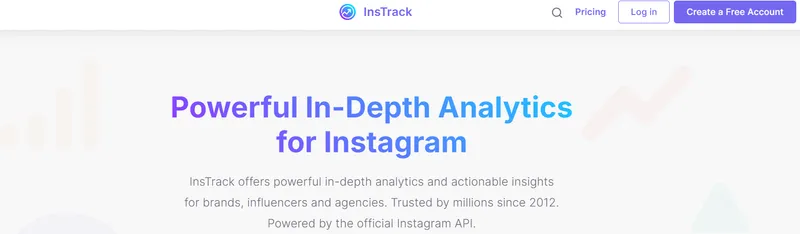
InsTrack is a widely used Instagram analytics tool for tracking public profiles. It helps users monitor follower growth, engagement rates, and general activity. The app creates charts showing likes, comments, and changes in followers over time, which can be useful for influencers, marketers, or anyone analyzing public Instagram accounts.
Limitations:
- Cannot access private accounts, so all restricted data is unavailable.
- To track accounts, you must log in with a professional Instagram account connected to Facebook.
- Free features are limited; more detailed analytics like engagement trends or competitor tracking require a paid plan.
- Some users report occasional syncing problems, especially with larger accounts.
DolphinRadar
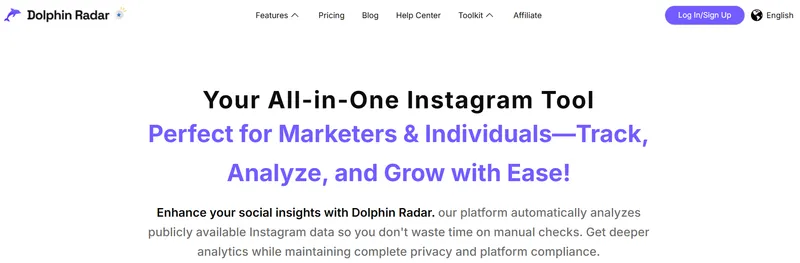
DolphinRadar tracks activity on public Instagram profiles. It provides basic insights like recent likes, follows, and general engagement patterns, helping users see trends and activity behavior on public accounts. It can be useful for marketers, social media managers, or individuals wanting an overview of public activity.
Limitations:
- Private accounts cannot be tracked unless you already follow them.
- Relies solely on publicly available information, so any hidden or restricted content cannot be accessed.
- Free version is very limited and often only shows basic statistics. Full features require a paid subscription.
- Some users notice delays in updating recent activity.
SocialStats
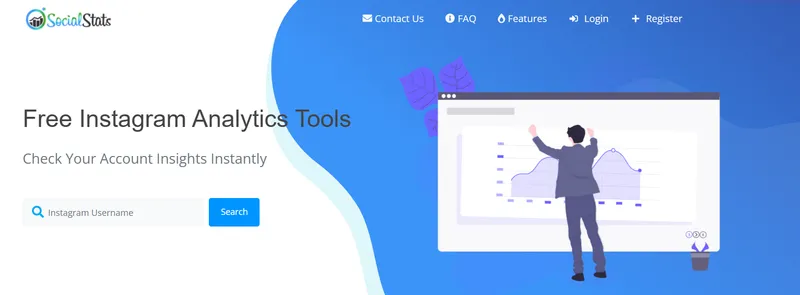
SocialStats is a simple tool for tracking Instagram activity on public profiles. It focuses on follower counts, likes, and engagement rates, providing a quick snapshot of how an account performs. It’s easy to use and aimed at users who need a basic overview rather than detailed analytics.
Limitations:
- Only works with public accounts; private account data is not accessible.
- Features are basic and may not give deep insights into user behavior.
- Free users may face restrictions on how much data they can view or export.
- Interface may be less intuitive compared to other tools, making detailed analysis more difficult.
Comparison of Instagram Tracking Tools
When choosing an Instagram tracking tool, it’s important to know which features each option offers and how they handle public and private accounts.
| Feature | Peekviewer | Snoopreport | InsTrack | DolphinRadar | SocialStats |
| Profile Analyzer | Check public and private profiles to see posts, activity patterns, and general interests | Tracks likes, follows, unfollows, and activity patterns | Shows public profiles, follower growth, and basic activity | Shows public profiles and engagement trends | Provides basic overview of public profiles |
| Likes Viewer | See posts, reels, or media a person has liked on Instagram | Shows posts, reels, and media a person has liked | Can see likes on public posts | Shows likes on public posts | Limited to basic public likes |
| Follower Viewer | See full follower information and which accounts a person follows | Shows who a person follows and unfollows | Tracks followers and unfollows on public accounts | Tracks followers on public accounts | Shows follower growth on public accounts |
| Anonymous Access | Fully anonymous, works for both public and private accounts | Not fully guaranteed; some users report uncertainty | Requires login; not fully anonymous | Requires login; not anonymous | Requires login; not anonymous |
| Save Posts and Stories | Keep posts and stories for up to three months | No | No | No | No |
| Private Content Access | Yes, safely view private profiles, stories, and posts | No | No | No | No |
| Ease of Use | Very simple and fast; browser-based, instant access | Medium; web-based dashboard, some delays in report generation | Medium; web or app-based | Medium; web or app-based | Simple but basic interface |
Final Verdict
Snoopreport Instagram tracker lets you track public Instagram accounts and gives weekly or monthly reports showing likes, follows, and activity patterns. But many users say the data is often wrong, support is hard to reach, and it might not always be fully private. It works sometimes, but it’s not very reliable.
Other free tools like InsTrack, DolphinRadar, and SocialStats only work with public accounts and offer very basic information. They don’t give detailed reports, private account access, or saved posts, so their usefulness is limited.
Peekviewer is the best option. It lets you see both public and private accounts safely and anonymously, view likes, followers, and activity patterns, save posts and stories, and monitor multiple accounts. For anyone who wants a clear and safe way to check Instagram activity, Peekviewer is the top choice and a trustworthy Snoopreport alternative.
FAQ
This tool claims to track activity on public Instagram accounts, including likes, follows, unfollows, hashtags, and trends. However, many users report that the data is often inaccurate or completely wrong, making it unreliable for serious tracking.
The service says it is anonymous, but there’s no full guarantee. Some users are concerned that tracking might not be completely invisible, and the platform provides no concrete proof to reassure users.
While it only uses public data, some users question the service’s reliability and customer support. Additionally, to use the platform, you need to put your email to create an account, which raises privacy concerns for some. Because of these issues, many feel it’s not fully trustworthy for serious or professional use.
Canceling this tracker can be confusing and difficult. Several users report problems trying to stop subscriptions, and some say they had to repeatedly contact support without getting a clear resolution. Many of these issues are mentioned in Snoopreport reviews.
Although it’s a legal tool and has been featured in media outlets, user reviews suggest that it doesn’t always work as promised. Many users feel they did not get the service they paid for, which raises concerns about legitimacy.
Yes. Alternatives to Snoopreport include Peekviewer, InsTrack, DolphinRadar, and SocialStats. Most only work with public accounts and show limited info. Only Peekviewer lets you safely view both public and private accounts, posts, and stories.
This tool claims the tracking is invisible, but there is no guarantee. Some users express concern that anonymity might not be fully protected.